

Customer Dashboard: Spare Device Activation
A spare Tmedia device can be used as temporary replacement of another Tmedia device.
Note: You must have a spare Tmedia device for this procedure to work.
To activate a temporary Tmedia device:
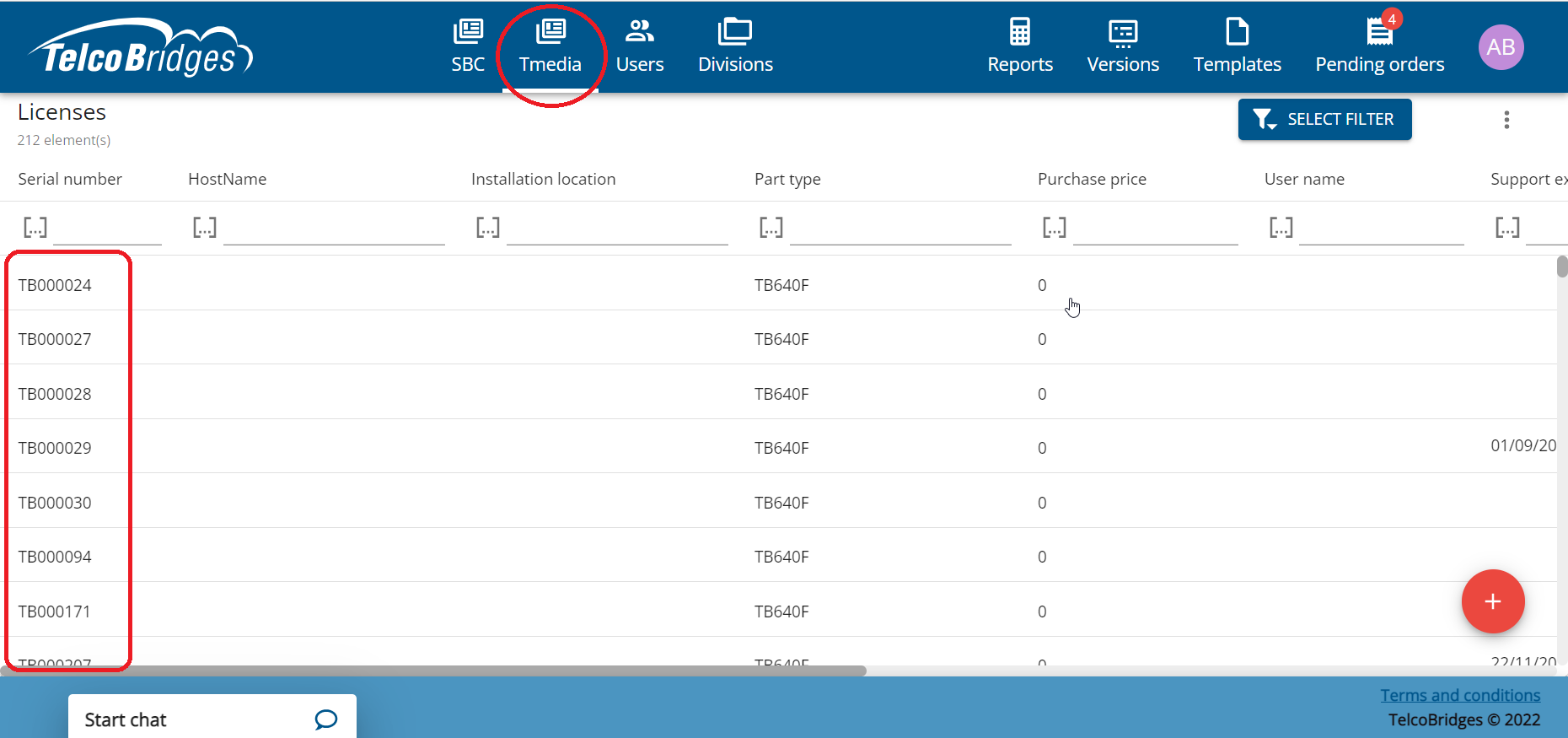
Click the Tmedia tab.
Select a Tmedia device. (This is the device that will be replaced.)
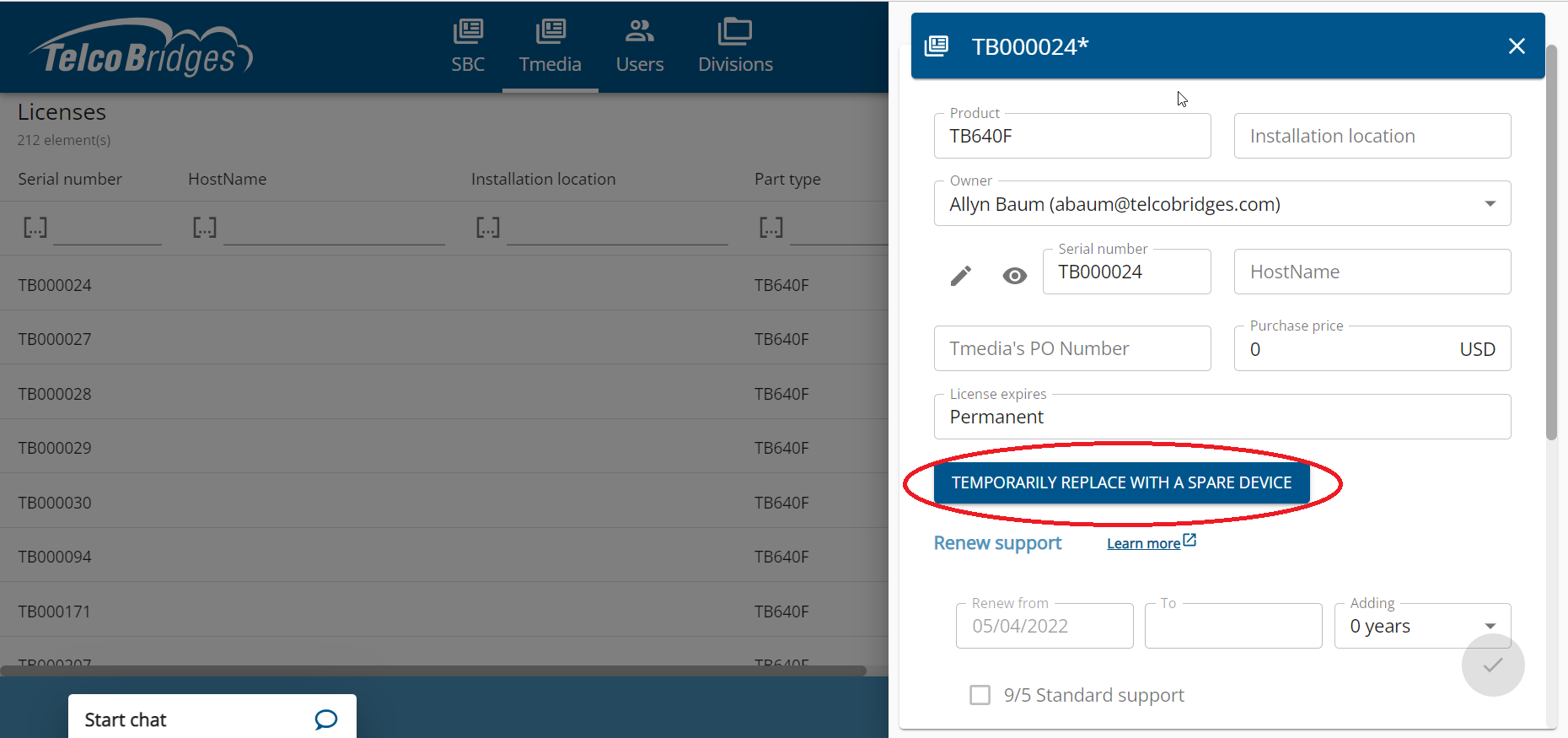
Click Temporarily Replace with a Spare Device
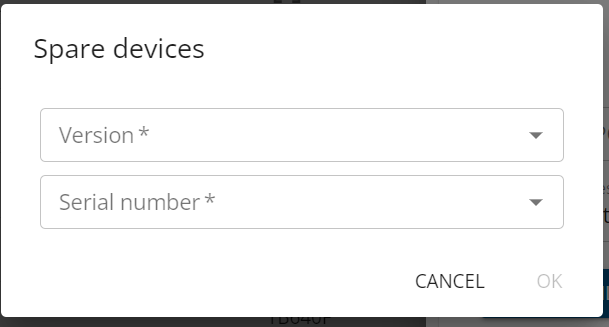
Enter the following information:
Serial number of the spare Tmedia unit
The software version to download
Click Ok
Last updated
Was this helpful?